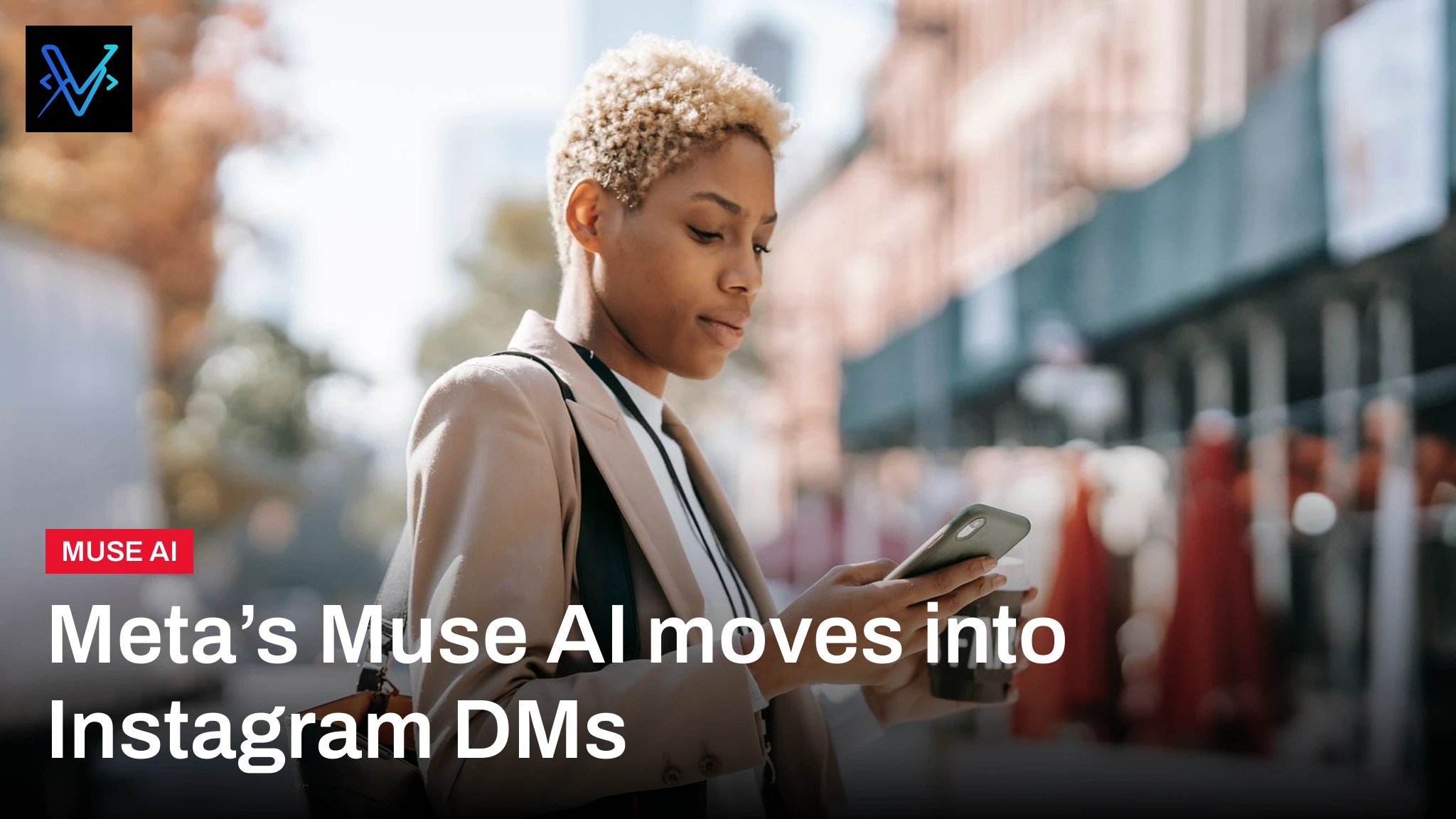
Instagram is bringing a new kind of helper into its direct messages. Muse, Meta’s personal AI assistant, is being added to Instagram DMs, where it can talk through posts with you, find information without you leaving the app, and — in its most useful trick — go through the posts and Reels you have saved and turn them into organised collections, travel itineraries and shopping lists.
KEY POINTS
- Meta is adding its Muse AI assistant to Instagram DMs on iOS and Android in the US, Canada, Mexico, Japan and Singapore, so users can interact with posts and find information without leaving the app.
- Muse can organise saved posts and Reels into Collections, build itineraries out of saved travel content, find saved Reels and turn saved recipes into grocery lists; the saved-content features start in the US and Canada.
- Instagram says Muse will not send, share or publish anything unless the user approves it, and users can ask it to forget information or undo an action.

What can Muse do inside an Instagram conversation?
The simplest use is the most natural one: you share a post with Muse inside a chat and ask questions about what you are looking at. Instead of copying a link into a separate app or running a web search, the conversation happens in the same thread where the post already sits.
According to the TechCrunch reporting cited by Gadgets 360, the assistant can go further than answering questions. Share a post with Muse and you can ask it to add places from that post — a coffee shop spotted in a travel Reel, for example — to a trip itinerary you are building. You can also ask it to look for deals on a product shown in a post, turning a moment of scrolling into the start of a purchase without leaving Instagram.
The chats are not trapped inside Instagram, either. A conversation started in Instagram DMs also appears as a side chat in the main Muse app, so a thread begun over a saved post can be picked up later in the assistant’s own home.
How does it turn saved posts into plans?
For many users, the saved folder is where good intentions go to be forgotten — hundreds of posts and Reels bookmarked for later and never opened again. Muse’s pitch is to make that archive do some work. It can sort saved posts and Reels into Collections, grouping them by theme so the pile becomes browsable. It can take the travel content you have saved and assemble it into an itinerary. It can track down a specific saved Reel when you want to find it again. And it can take a saved recipe and convert the ingredients into a grocery list you can actually shop from.
Instagram may also nudge the habit along at the moment it matters: when a user saves a post, the app may prompt them to let Muse organise it. It is a small design choice with a clear purpose — an assistant that only sees your saved posts once they have been sorted is far less useful than one that has been filing them from the start.
Who gets it first?
Muse inside Instagram DMs is rolling out on iOS and Android in five countries: the United States, Canada, Mexico, Japan and Singapore. The saved-content features — the collections, itineraries and grocery lists — are starting more narrowly, initially in the US and Canada. No public timeline for further countries has been set out in the reporting so far — typical of Meta’s staged AI rollouts.
What stops it from acting on its own?
An assistant that can read your messages and your saved posts is working with unusually personal material, so the guardrails matter. Instagram says Muse will not send, share or publish anything unless the user approves it first — it can prepare, suggest and organise, but the final step stays with the person. Users can also ask Muse to forget information it has picked up, or to undo an action it has taken. Those two controls, approval and reversibility, are the difference between a helpful organiser and an over-eager one, and Meta is clearly aware that trust is the product here as much as the features are.
Why is Meta putting Muse on every screen it owns?
Instagram is one stop in a rapid expansion. Earlier in November, Meta brought Muse to the Apple Watch, adding a watch-face shortcut in version 15.0 of the Muse iPhone app, complete with an animated yeti character as its on-wrist face; Google Wear OS support has also been mentioned. This week, the same assistant has also gained the ability to shop on a user’s behalf: Muse can now find products, build a cart and complete purchases at Walmart, all inside a chat.
The strategy running through all of it is consistent. Rather than asking people to open yet another app, Meta is placing its assistant inside the apps and devices people already use every day — the chat thread, the watch face, the shopping list. Each new surface makes Muse a little harder to avoid and a little more woven into ordinary routines.
What happens next
Two things are worth watching. The first is geography: whether the saved-content tools expand beyond the US and Canada, and how quickly. The second is behaviour: whether users actually let an AI reorganise the corner of Instagram they have always treated as private and personal. If they do, the humble saved post — long the most passive feature on the platform — becomes the starting point for trips, meals and purchases, and Muse becomes the layer that turns scrolling into doing.
Reader note: The Vertex Briefing team uses Muse, Meta's personal AI agent, in its own work. If you would like to try it, join Muse and enter the invite code ETHG7U — in the Muse app under Settings → Redeem token (available during the first 48 hours after joining), or on muse.ai under Settings → General → Usage → Redeem invite code.
Looking to grow your business online? Explore Vertex Agency at vertexagency.in for professional website development, Meta Ads and social media growth.